From first booking
to final invoice.
Less chasing details. More time to move the job forward. Bring bookings, customers, your team and invoicing into one workspace. SerPals CRM is launching soon.
One job.
A connected journey.
From the first request to the paperwork that follows, keep the customer, the people and the work connected.
Book the work
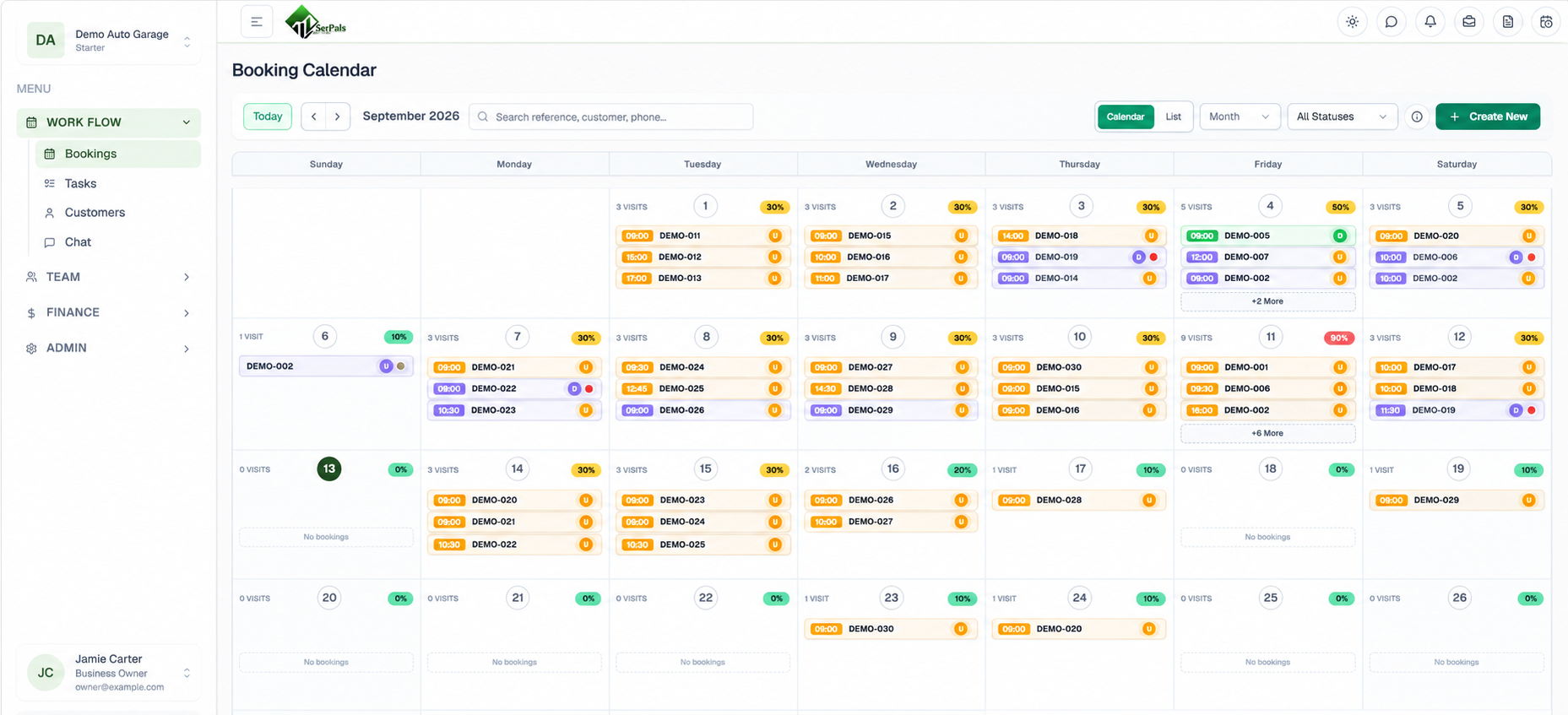
Collect the customer’s details, the work requested and a preferred appointment. Find the booking in the calendar, with the information you need to get started.
Explore this previewThe tools behind
every service job
Plan the work. Connect the people. Prepare the paperwork.
Keep each part of the job within reach.
Built around the work
of service businesses
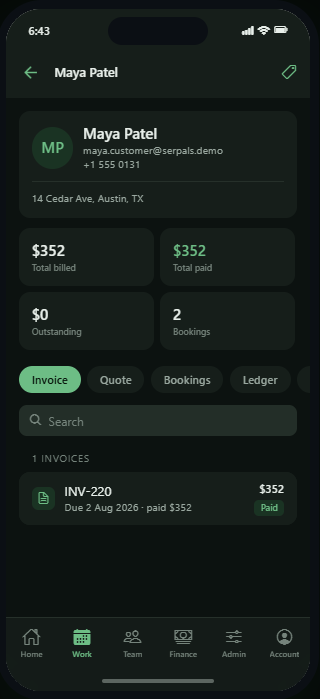
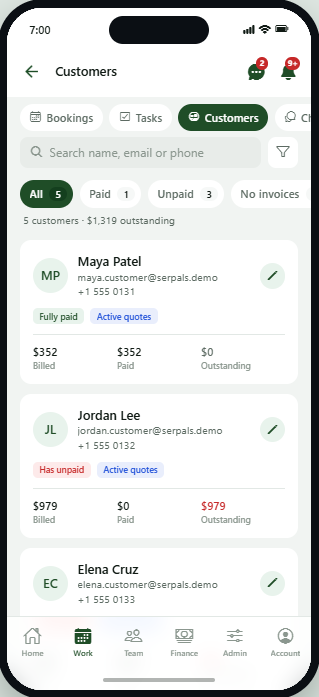
Appointments, people, job details and paperwork. SerPals brings these everyday parts of running a service business together. Explore a garage example in the previews below.
A clearer day starts
with the booking.
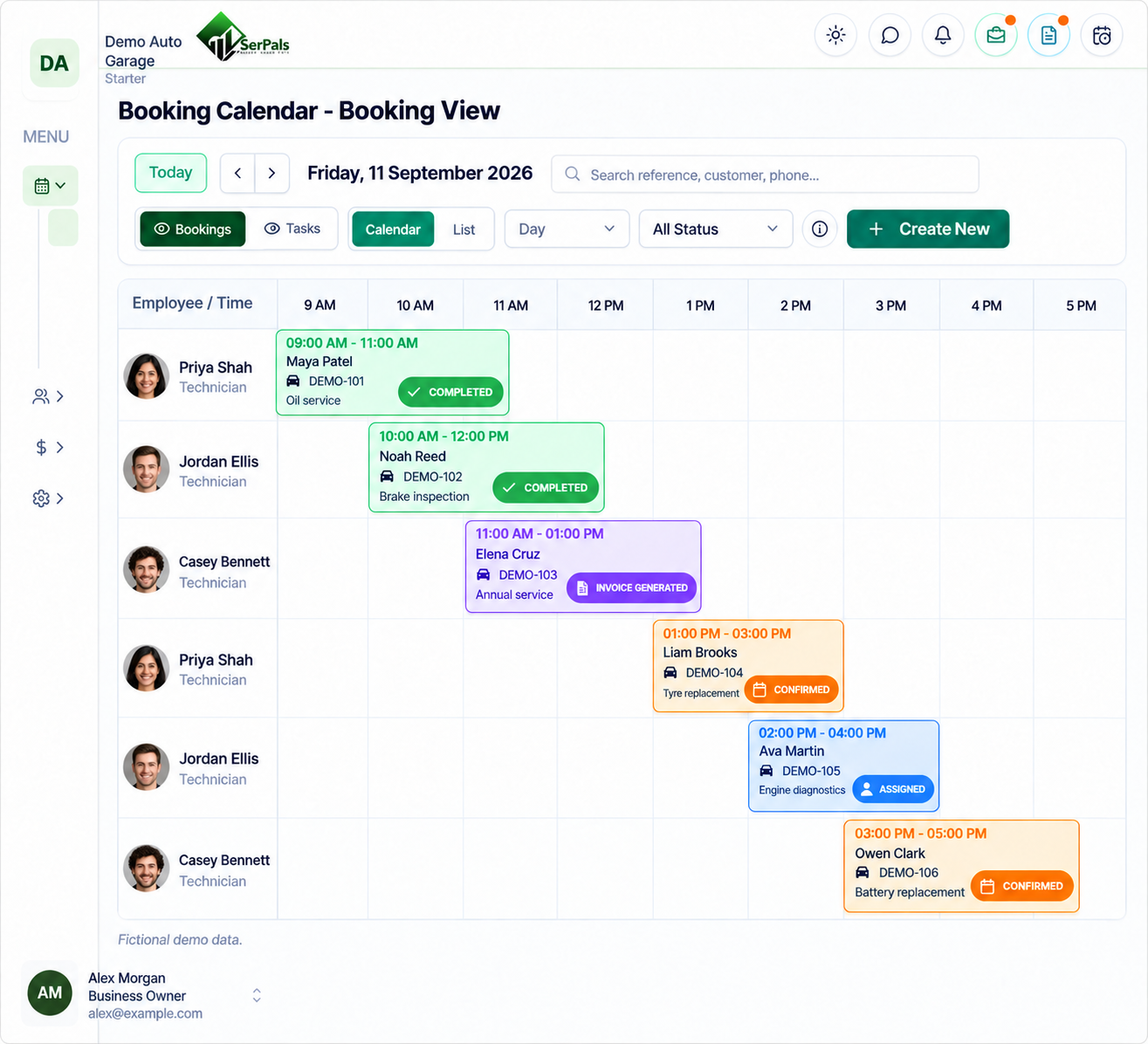
See what is scheduled and which jobs need attention. Keep the customer’s request, employee assignment and supporting details together as you plan the day.
- Switch between day, week, month and list views
- Find the customer, service and job reference together
- Assign the booking to the person doing the work
- Follow the job from confirmation to completion
- Keep job notes close to the booking
One team.
A shared understanding.
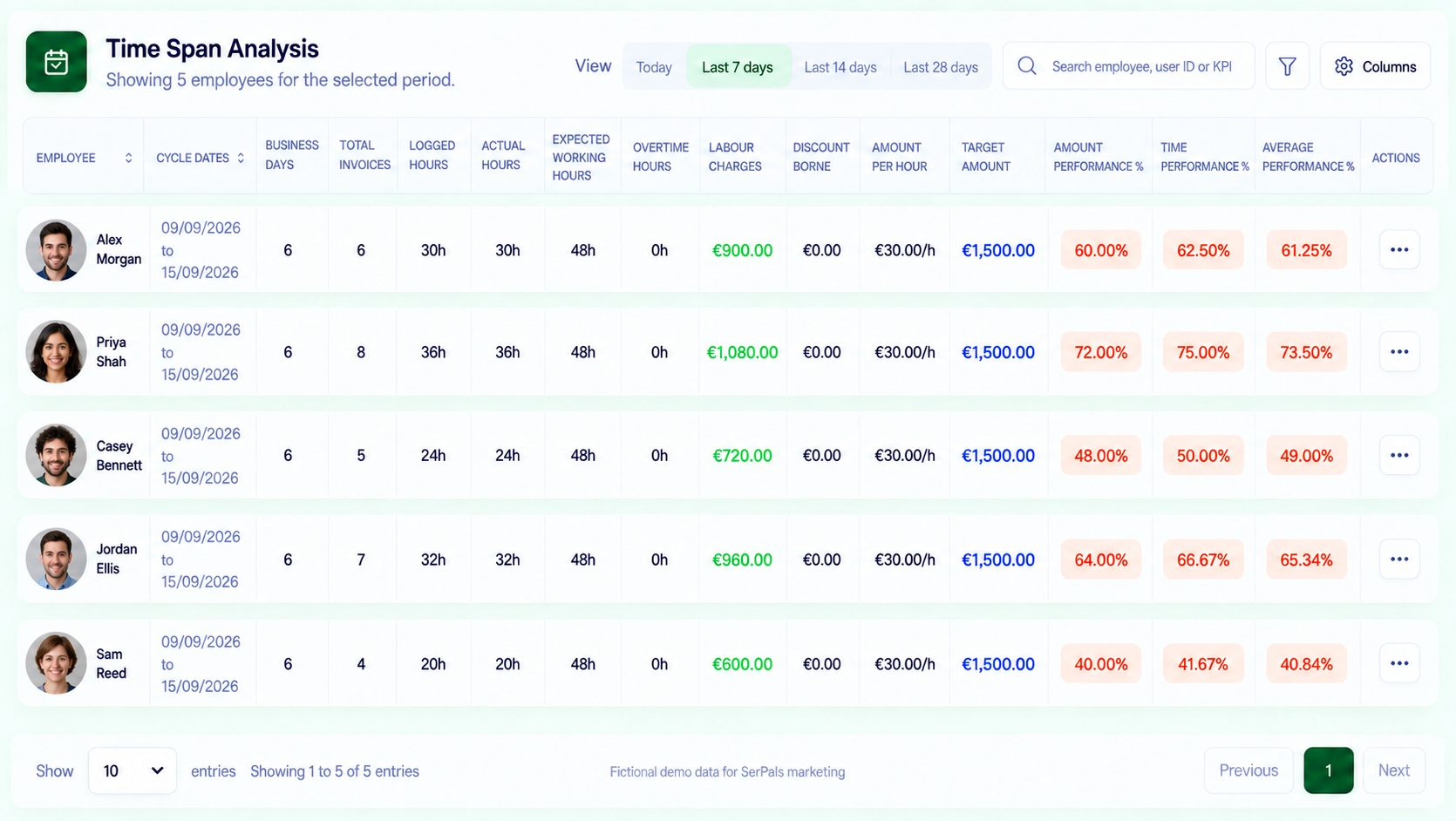
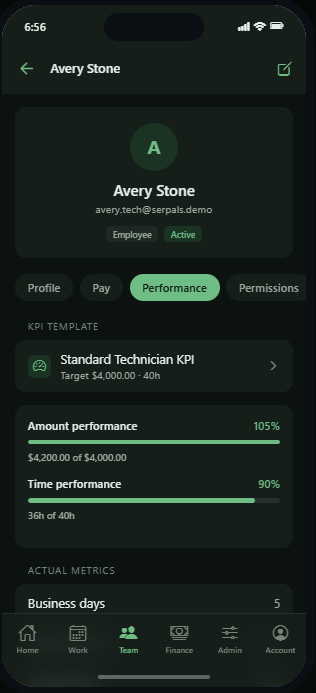
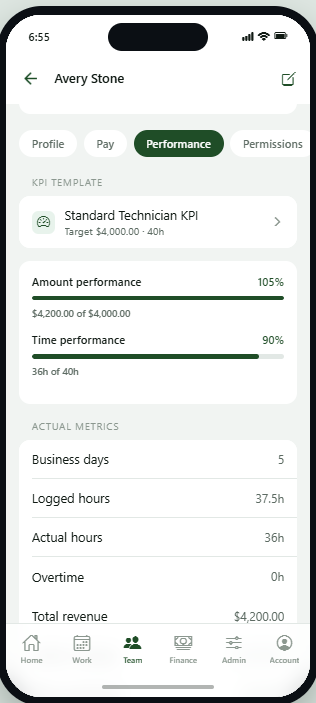
Give each job an owner and keep the work visible. Record tasks, job notes and time against the booking, so the next person has the context they need.
- See who is responsible for each booking
- Keep task descriptions and work dates together
- Record the time spent on the job
- Review and accept work before invoicing
- Carry the work record into the invoice workspace
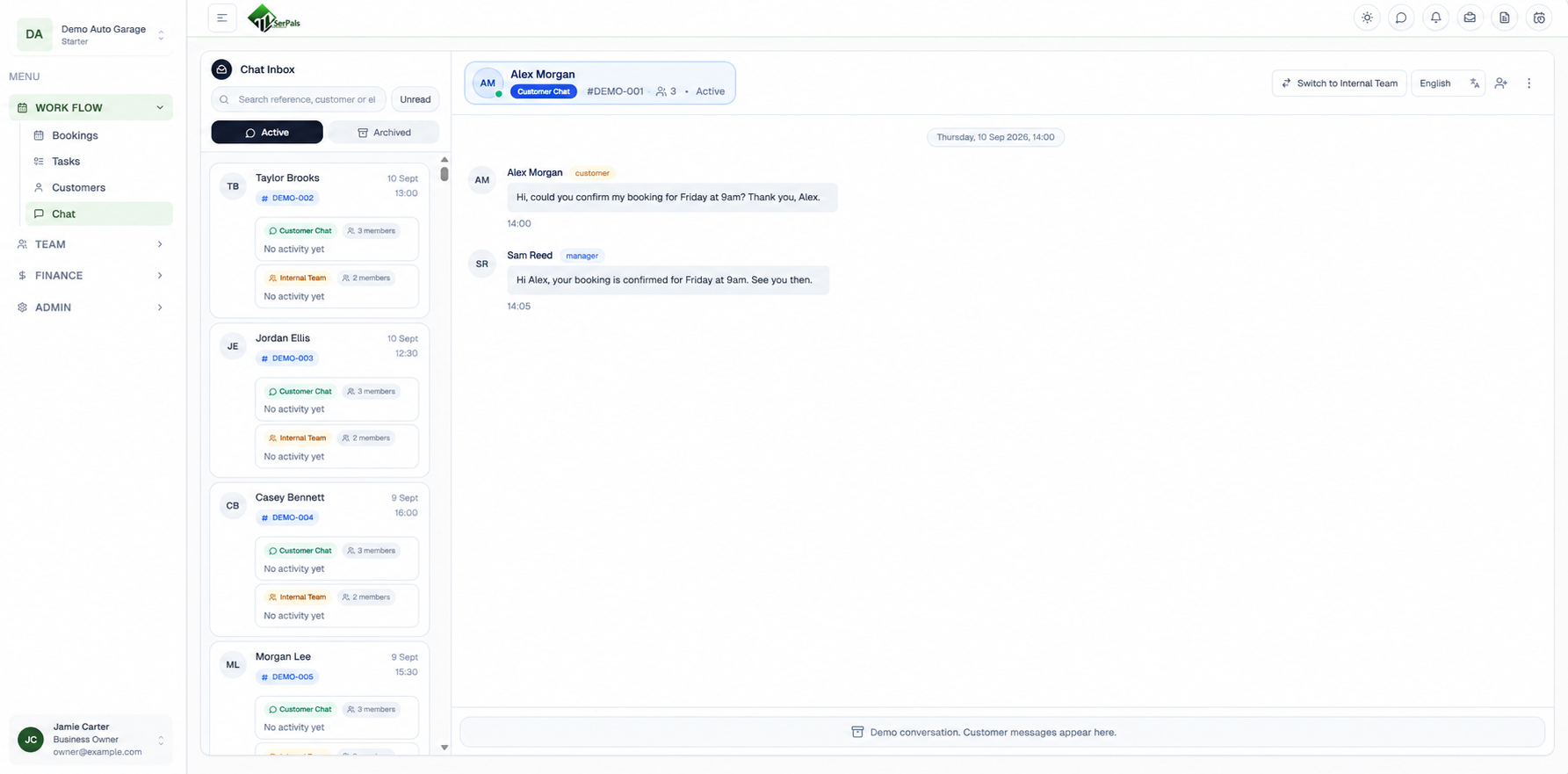
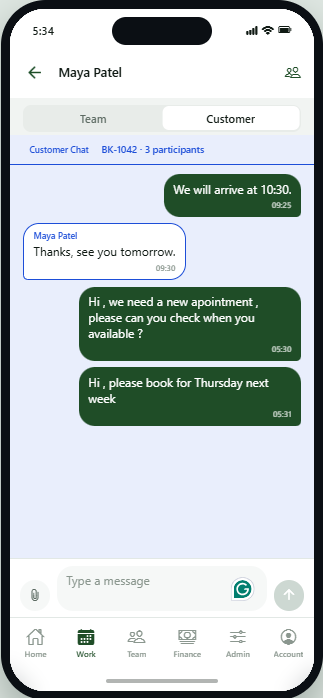
Keep the conversation
with the work.
Bring customer questions and team discussions closer to the job. Open separate customer and internal conversations from the booking.
- Open customer chat from the booking
- Keep internal discussion in a separate thread
- Keep the job reference with the conversation
- Give people a place to return for updates
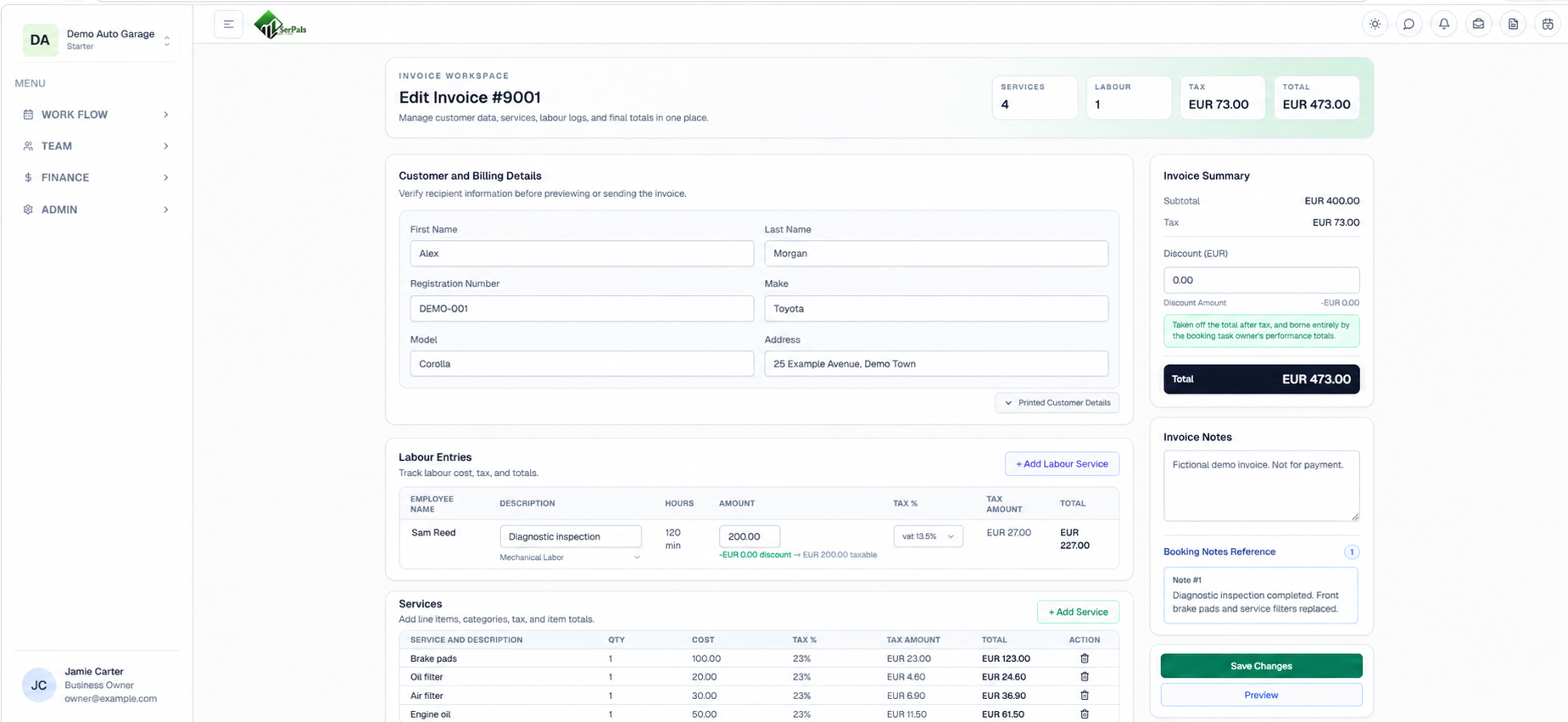
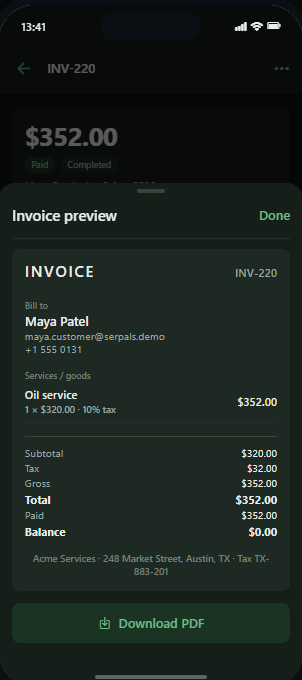
Bring the work
into the invoice
Use the work already recorded against the booking.
Review labour, services and totals, with the job context close at hand.
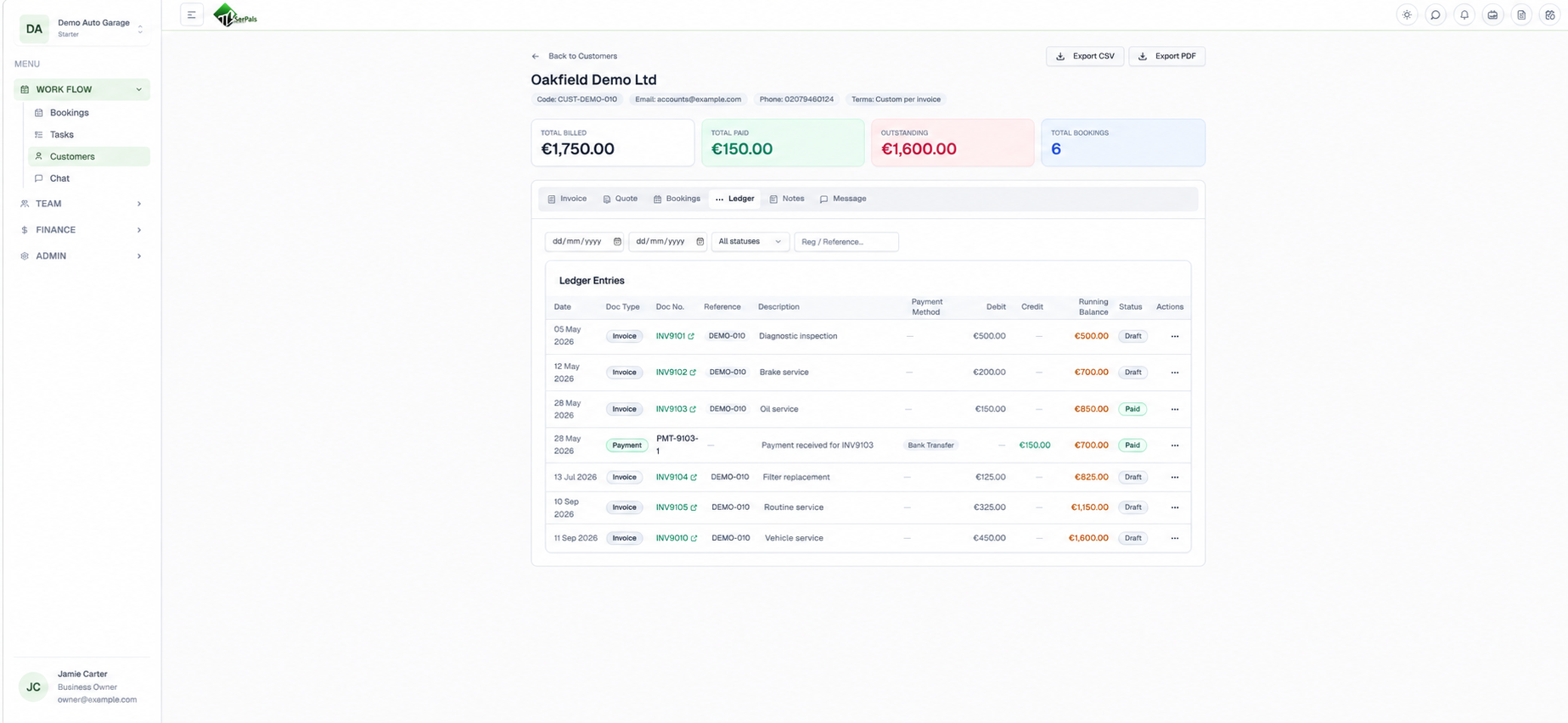
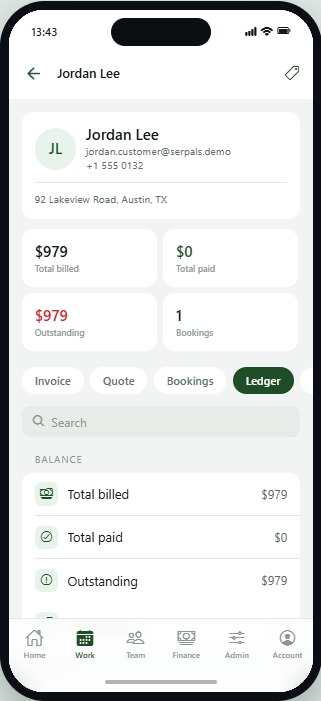
Take a closer look
Your first look at SerPals CRM.
Switch between the previews and enlarge any image to explore the details.
Keep the job moving.
Keep the details together.
We’re preparing SerPals for service businesses. Explore the workspace now. The public launch date, pricing and access details will be announced here when they’re ready.
Have questions?
Before we launch
What is SerPals CRM?
SerPals brings bookings, customer details, employee assignments, job notes, tracked time and invoicing into one workspace for service businesses.
When is SerPals launching?
SerPals CRM is launching soon. The public launch date and access details will be announced here once they are confirmed.
Can I see how it works before launch?
Yes. Explore the six stages above and switch between the product previews. Enlarge each screenshot to see the details. The images use fictional demo data.
Who is it designed for?
Small and medium-sized service businesses that need to organise appointments, people and paperwork. The previews show a garage workflow, with customer details, vehicle references and service jobs.
Will customers have their own account?
The customer portal brings bookings and updates together. Customers can open their booking from a confirmation email and use Book again for a new appointment. Available features will depend on the launch offering and business configuration.
Can I use it on a laptop or phone?
The previews show both desktop and mobile layouts. Use the laptop and phone preview links to explore the website at each size.
What about pricing and a free trial?
Pricing, trial availability and public registration details will be confirmed before launch. This page is a product preview; it does not start a subscription or collect payment.